Version the prompt
Write the prompt, define its inputs and project context, and save a version for the team.
RECIPES
Extend GenieWorks with versioned prompts your teammates can run from a form. Supply the business inputs and shared project context without rewriting a prompt or opening a terminal.
Follow the work01 · SUPPLY THE BUSINESS CONTEXT
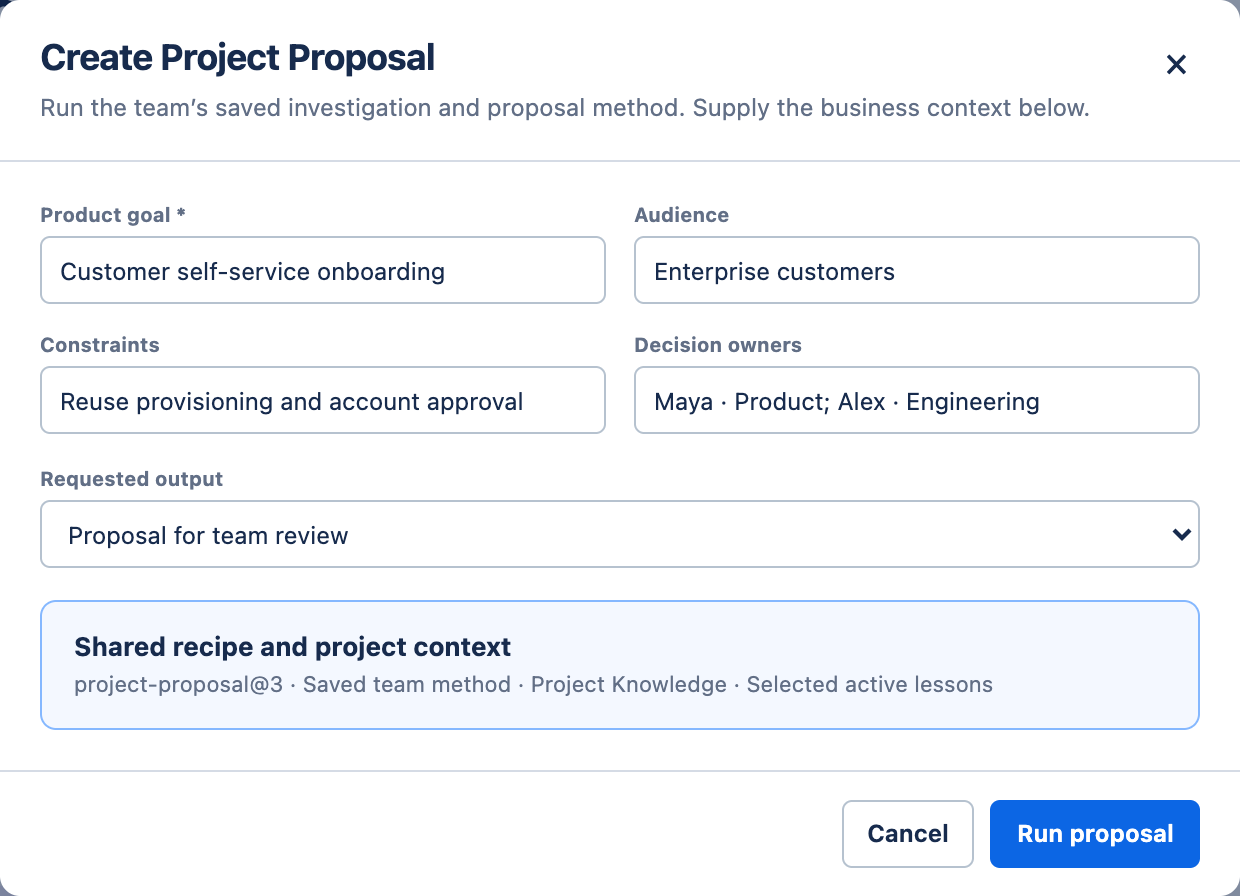
Maya selects Create Project Proposal and supplies the goal, audience, constraints, and decision owners. Its versioned prompt defines what to investigate and what the proposal must contain.
She can use the saved prompt through a form, without installing a CLI or reconstructing the author’s command.
02 · INVESTIGATE AND RESOLVE THE CHOICE
GenieWorks finds that existing account provisioning can support the goal. Public signup would also introduce billing and abuse-control work.
That changes the proposal. It brings the pilot-versus-public decision to the team, then carries the agreed constraints into the result.
APP-73 · Proposal history
Ran Create Project Proposal with the onboarding goal and enterprise audience.

We can reuse provisioning. Public signup adds billing and abuse controls. Start with an invited enterprise pilot?
Yes, pilot first. @Alex, can we keep our current account approval?
Yes. Reuse provisioning and manual approval. Add guided setup after the invitation.
Proposal ready for review: invited-pilot scope, delivery phases, risks, and success criteria. Pilot customers, targets, and timing remain open.
03 · REVIEW THE DELIVERABLE
The form and output describe the same work. The result preserves the invited-pilot decision and the existing approval flow, with remaining choices still visible.
 Open full screenshot
The proposal is ready for team review. It does not approve implementation, set a launch date, or remove the existing account-approval step.
04 · SHARE THE PROMPT
A recipe packages a versioned prompt with its inputs and project context. Teammates use the form; the run records which version they used, what they supplied, and what came back.
Write the prompt, define its inputs and project context, and save a version for the team.
Fill in the form and answer any consequential questions with your team.
Keep the recipe version, inputs, decisions, and result with the run.
CONTINUE THE WORK
Use the accepted scope as the starting point for detailed specifications.
Discuss your recipe